Overcoming the Pitfalls of Poor Audio
10 August 2022
Overcoming the Pitfalls of Poor Audio
Audio is a differentiator that can make or break user experience.
In an increasingly crowded marketplace, with more than 8 billion connected smartphones, tablets, PCs, TVs, TV boxes and other bits of audio hardware, there’s more customers than ever before demanding an instant connection with a product. When poor user experience translates into lost sales, avoid these four major pitfalls when it comes to audio.
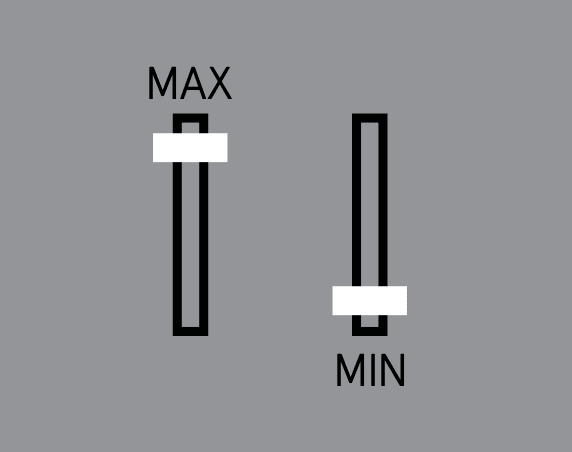
When audio is too quiet / too loud , it means…
-
Ambient noise level was not considered
-
Wrong size acoustic component chosen
-
Wrong frequency or frequencies selected for tone
If there’s distorted sound / amplifier clipping , it means…
-
Wrong input level to the amplifier
-
Amplifier gain is set too low or high
-
Not enough amplifier power

If audio has a thin, tinny sound , it means…
-
Resonant frequency of the speaker is too high
-
Size of the speaker is too small
-
Not enough enclosure volume for the speaker

When there’s echo and feedback, it means…
-
Microphone placed too close to the speaker
-
Microphone mounted to the same PCB as speaker
-
Microphone and speaker mechanically coupled to same surface

Making Sound Decisions
Audio is a differentiator that can make or break user experience.
Taking the time to consider your product’s audio while in the conceptual phase of product design is crucial to delivering strong user experience.
HERE ARE THE 6 MAJOR CONSIDERATIONS FOR AN AUDIO PLAN
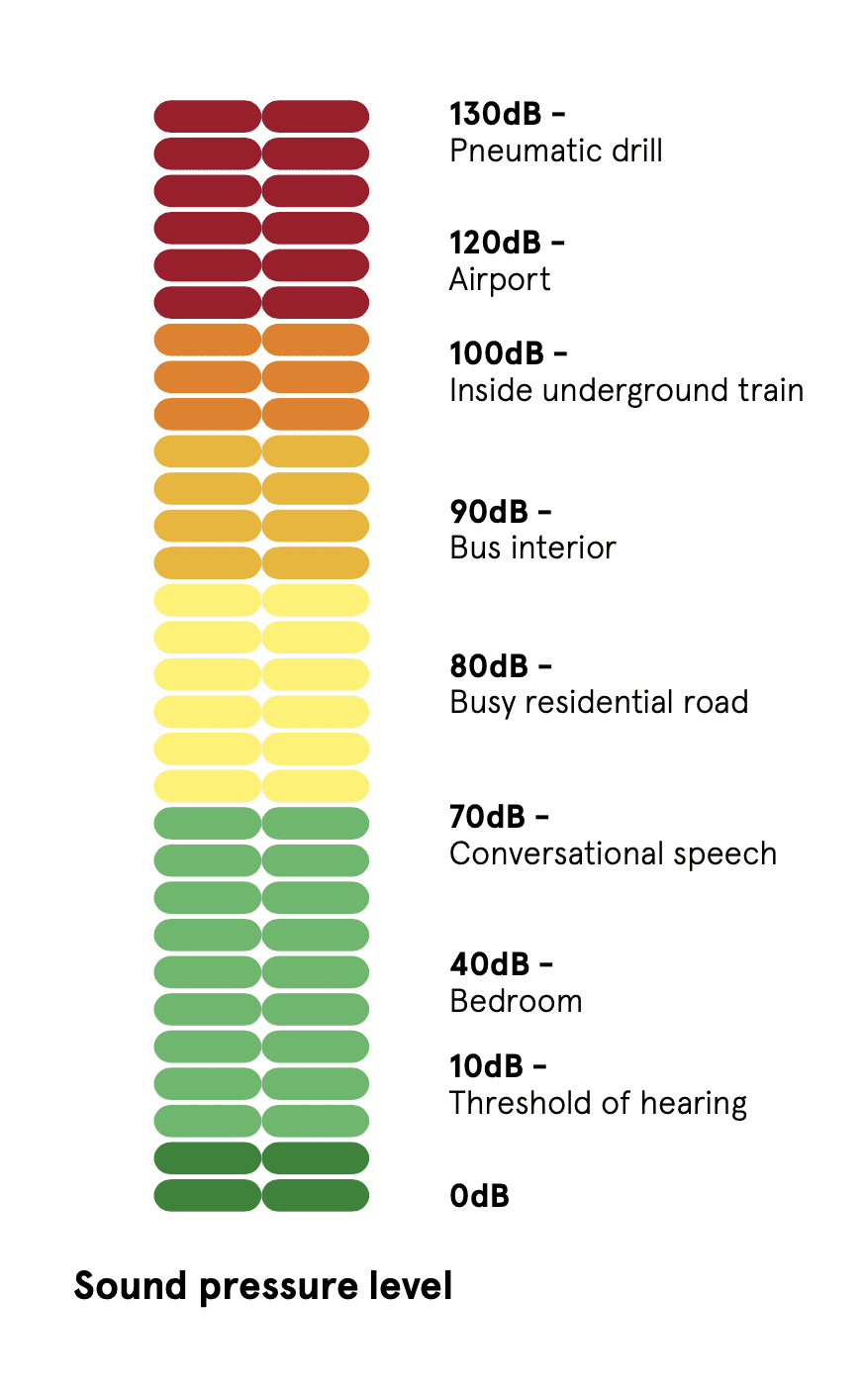
1 Consider the ambient environment in which your product will be used
2 Establish the audio component dimensional envelope early on.
3 Reference the audio component’s SPL rating and distance
4 Budget for more power than what you might use
5 Choose a larger amplifier than what you might need
6 Test your audio performance before closing the mechanical and electrical design
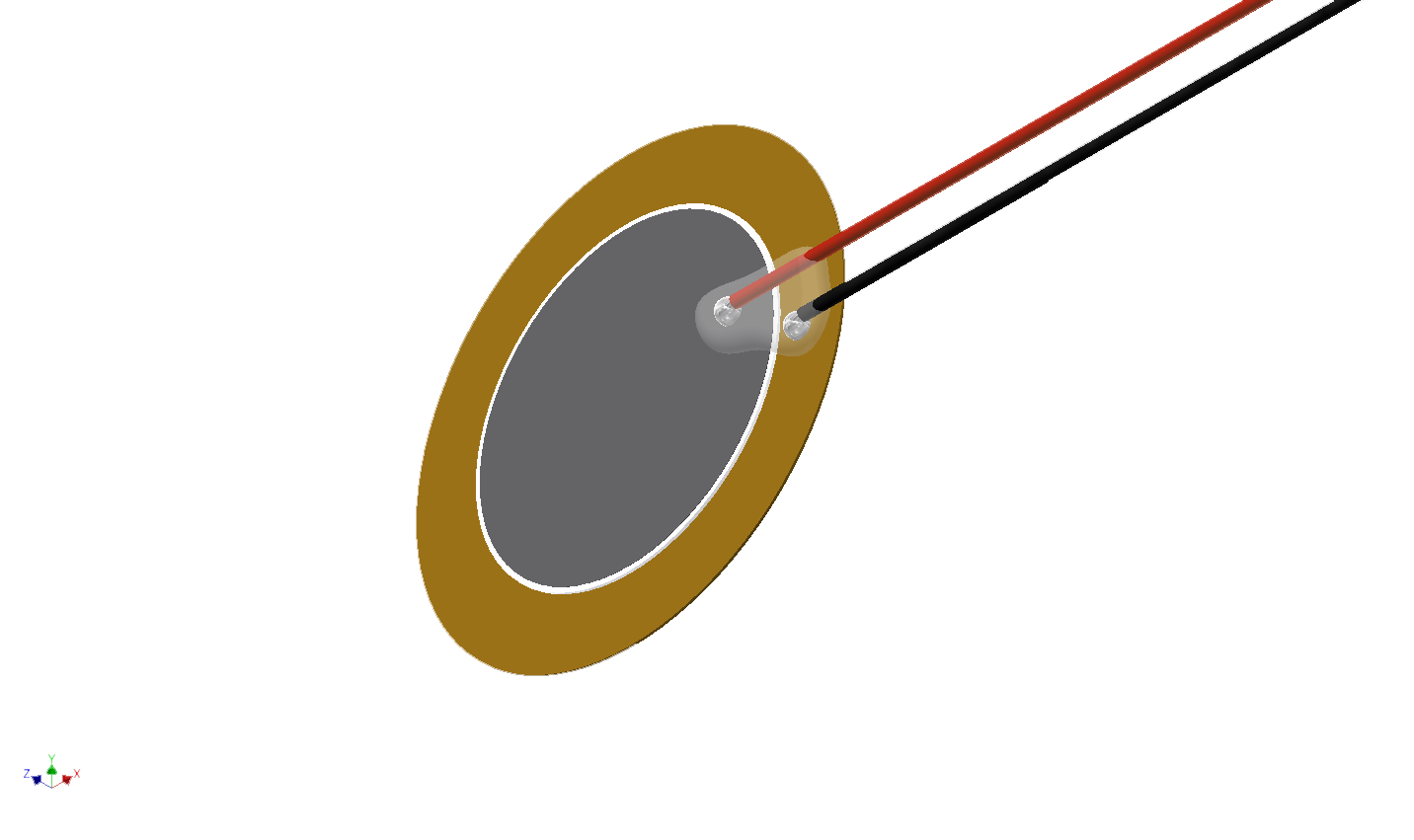
Piezo Buzzer – Turning Vibration Into Sound
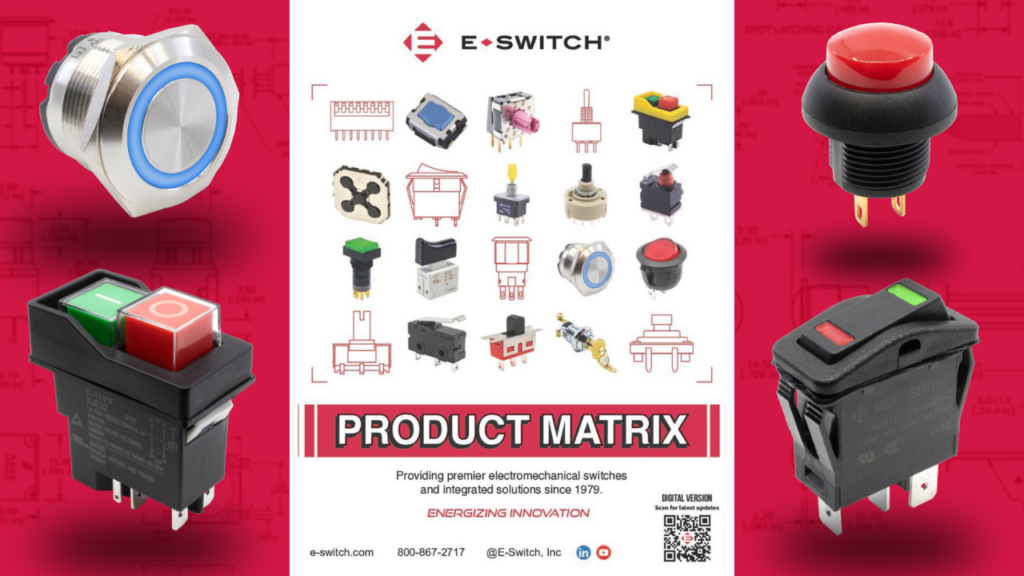
Looking for a Switch - Download E-Switch New Product Matrix
State of the Art, Inc. Introduces AEC-Q200 Qualified Thick Film Chip Resistors
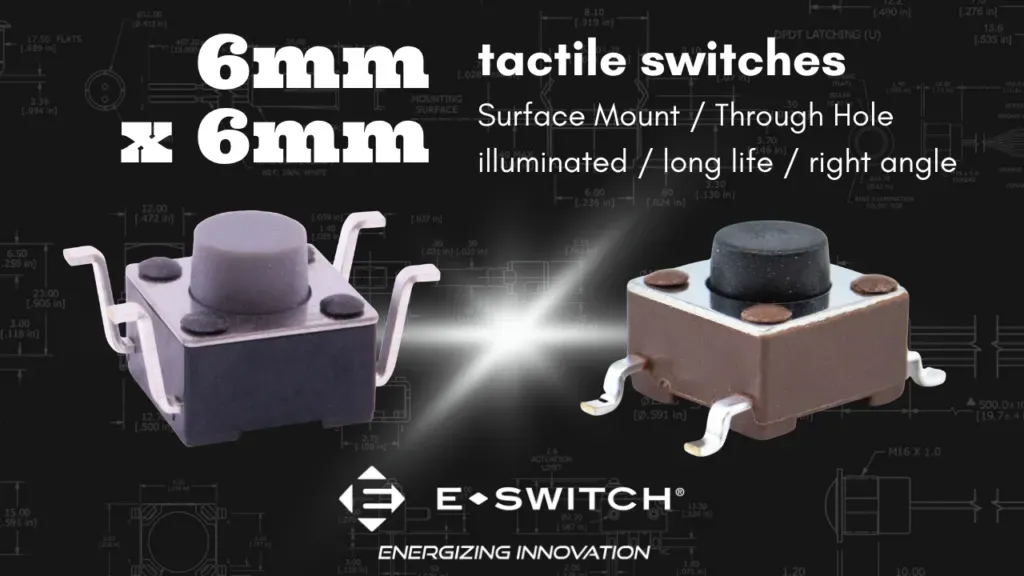
E-Switch 6mm x 6mm Tact Switch Family

Sealed Speaker Enclosure Design for Small Speakers (Practical QTC = 0.707 Guide)

Explore durable anti-vandal pushbutton switches with IP65/IP67 ratings. Contact us for details on our extensive range today!
Explore E-Switch's miniature switches for handheld & wearable tech. Request brochures & samples to learn more about our solutions.
Dayton, OH, USA – PUI Audio is pleased to announce the addition of Reptronics to their growing list of sales representatives. Reptronics is a manufacturer’s representative company operating within the United Kingdom and Ireland, and currently work with several global manufacturers of high-quality electrical components. PUI Audio selected Reptronics to join their global sales network […]
Reptronics Ltd supports Principals in selling electronic components in the UK & Ireland. Contact us to enhance your product reach.

When snow falls, don’t get mad. Be glad you have the switches for moving snow and ice this winter.
The post Switches for Moving Snow and Ice appeared first on E-Switch, Inc..